|
You're reading Help for the Yandex Start on Android. |
Appearance
Home screen
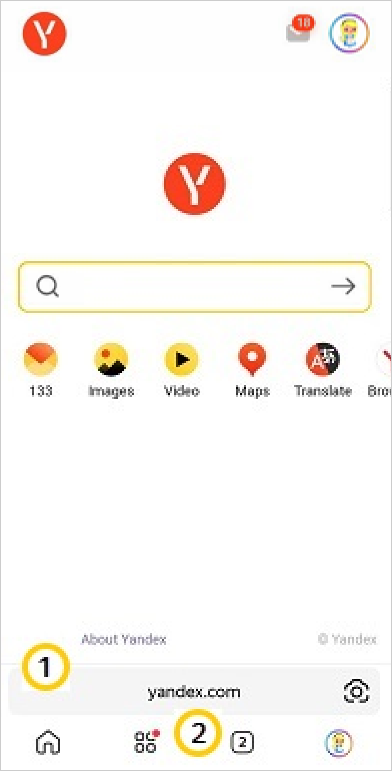
To return to the app's home screen from any tab, tap . On the home screen, you can:
- Search for information and open sites using the SmartBox.
- Switch between tabs.
- Use the Smart Camera.
Search and navigation tools:
: SmartBox.
: Bottom panel (Home screen, Yandex services, tabs, profile menu).
Select which page you want the app to show when it starts. To do this:
- Go to (profile picture) → App settings.
- Open Homepage.
- Select yandex.com or specify any other site.
Tabs
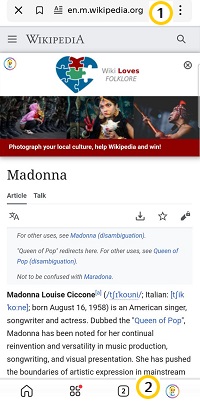
Search and navigation tools:
: SmartBox.
: Bottom panel (Home screen, Yandex services, tabs, profile menu).
Was the article helpful?
Previous
Next